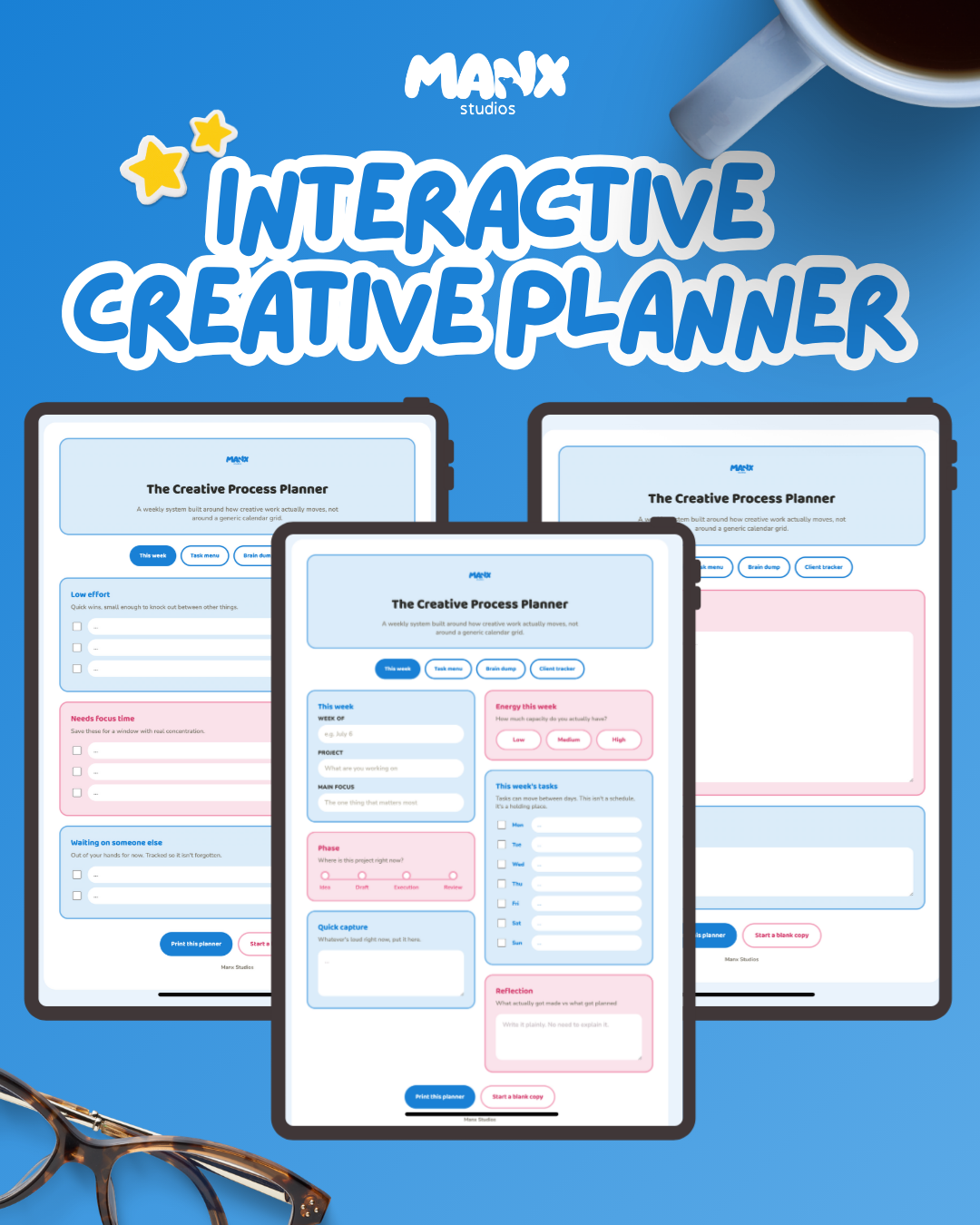
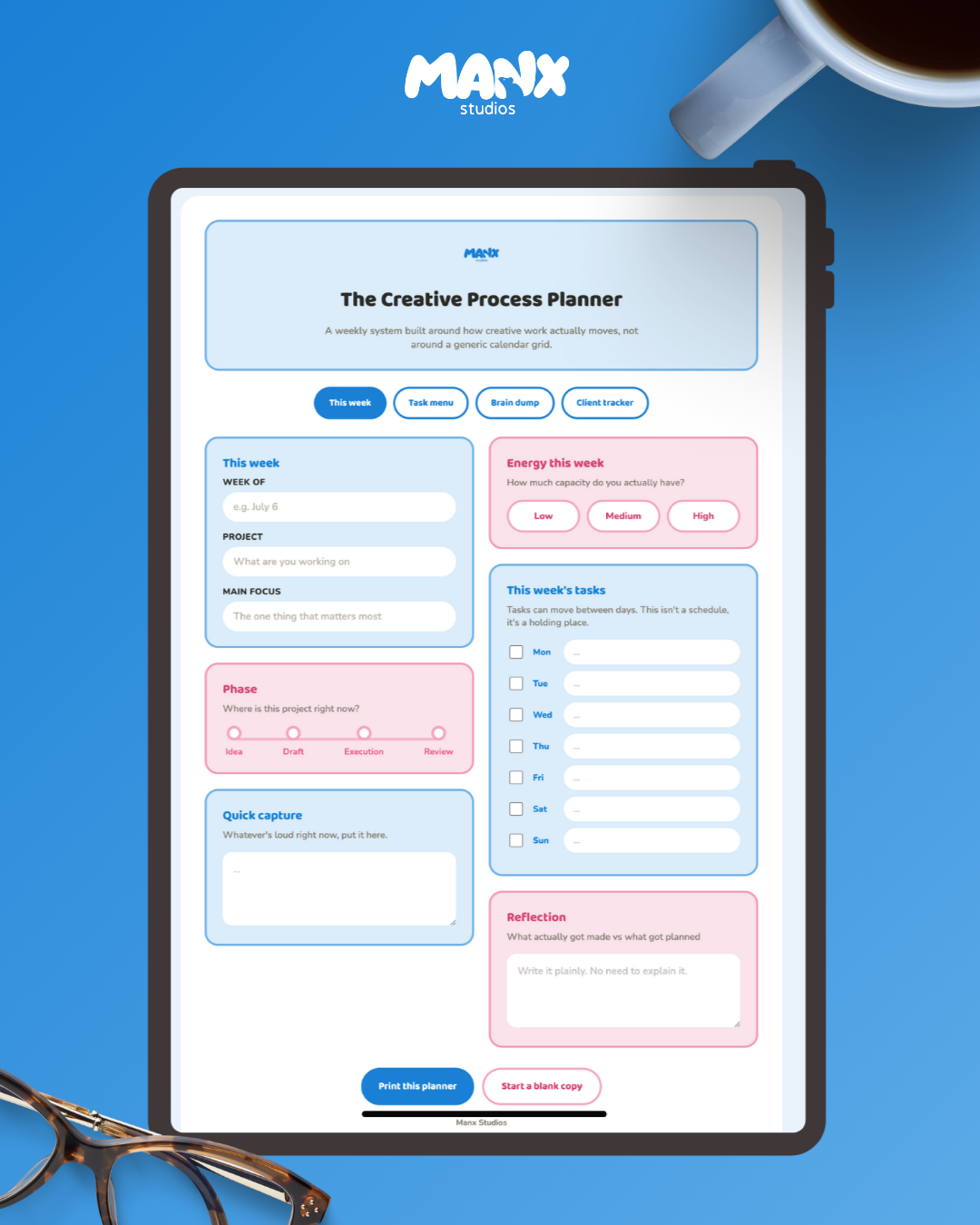
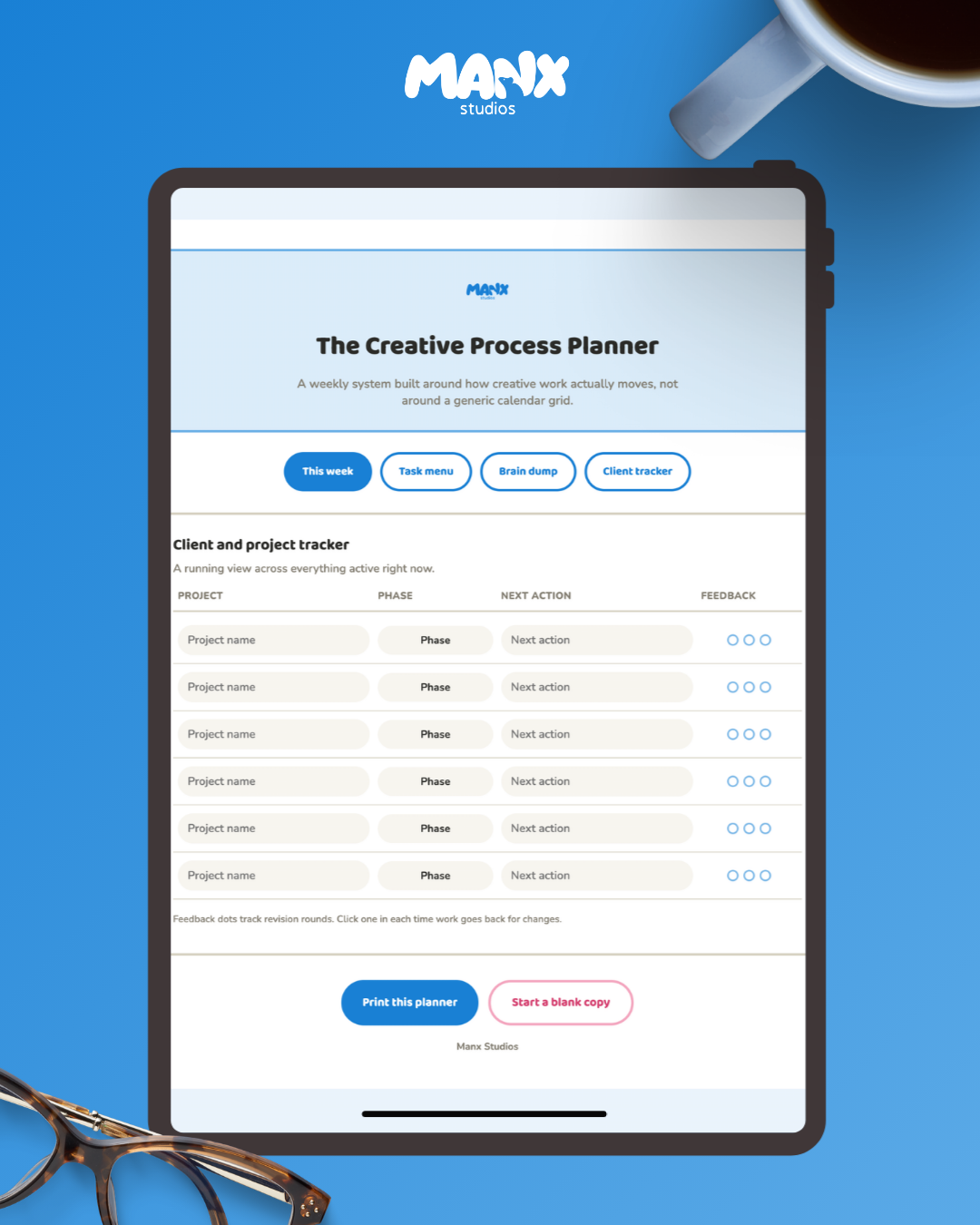
Most planners are built for a 9 to 5. Creative work doesn't move like that, it sits in idea stage for two weeks then suddenly needs three days of nonstop execution. This planner tracks the phase your project is actually in instead of forcing it into a calendar grid.
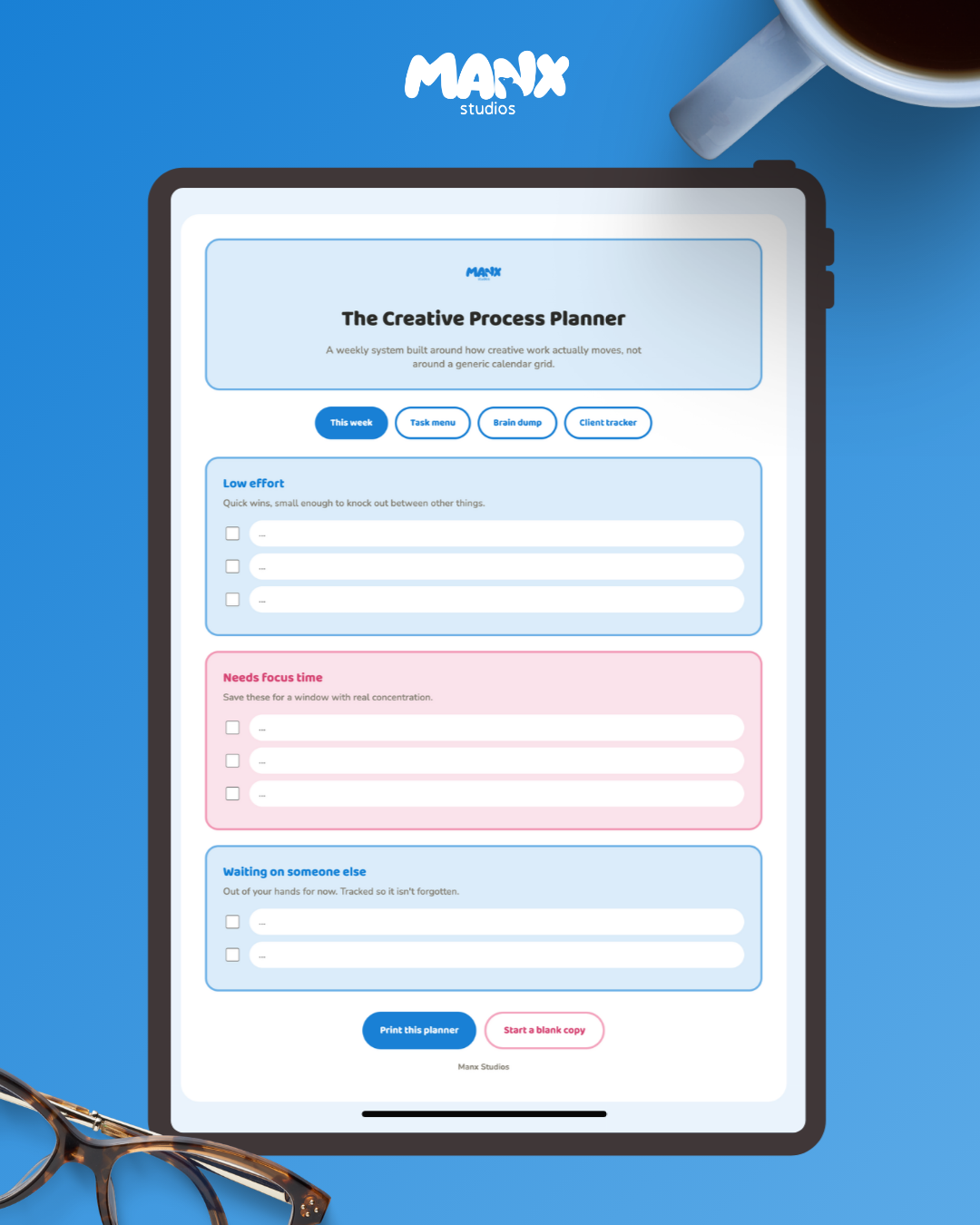
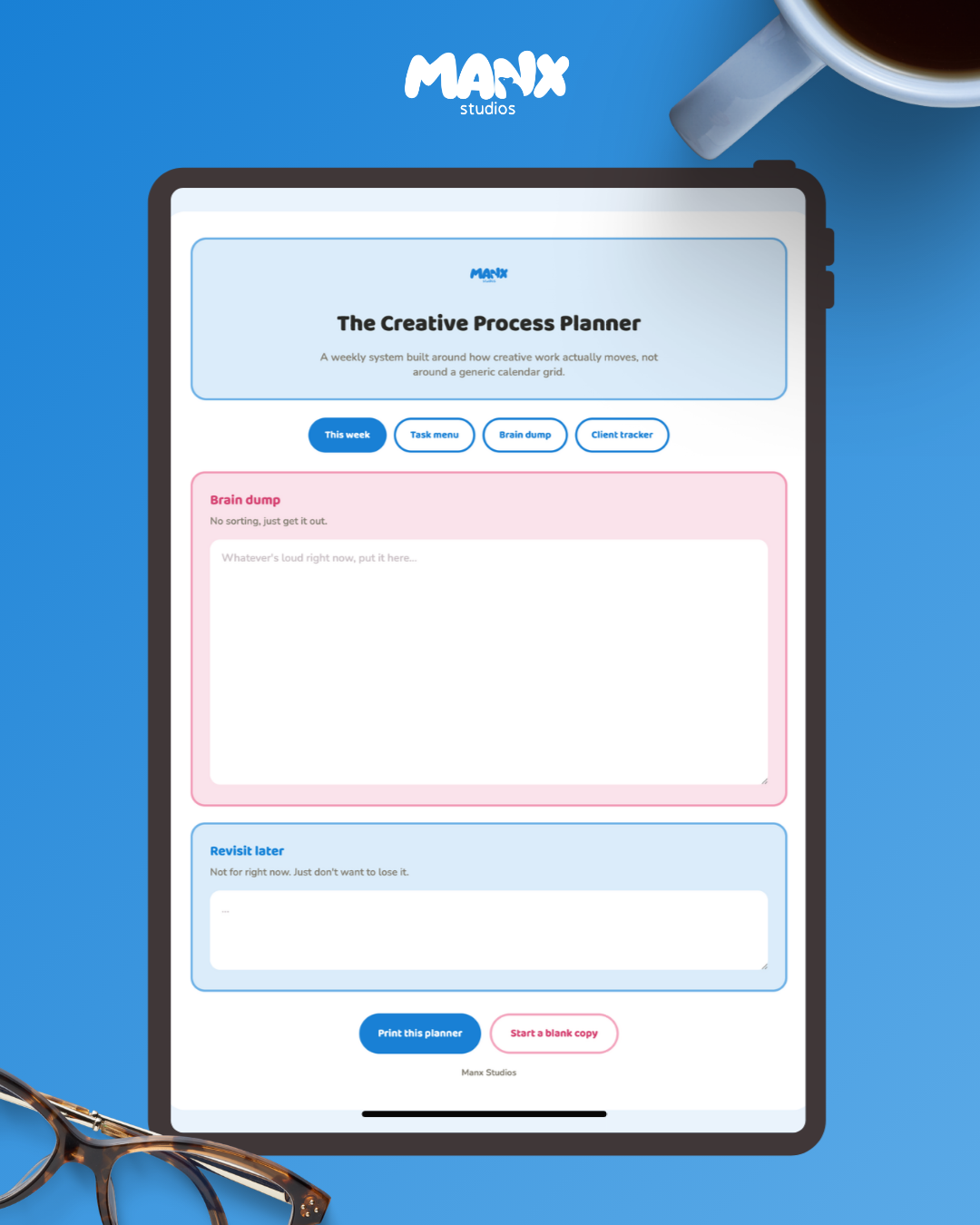
Inside: a weekly overview with a phase tracker, an energy check-in instead of hour-by-hour scheduling, a brain dump page, a task menu sorted by effort instead of urgency, and a client and project tracker for everything running at once.
It's an interactive HTML file, not a flat PDF. Click to fill in fields, tick off tasks, print it when you want paper, or hit reset to clear it and start the next week fresh.
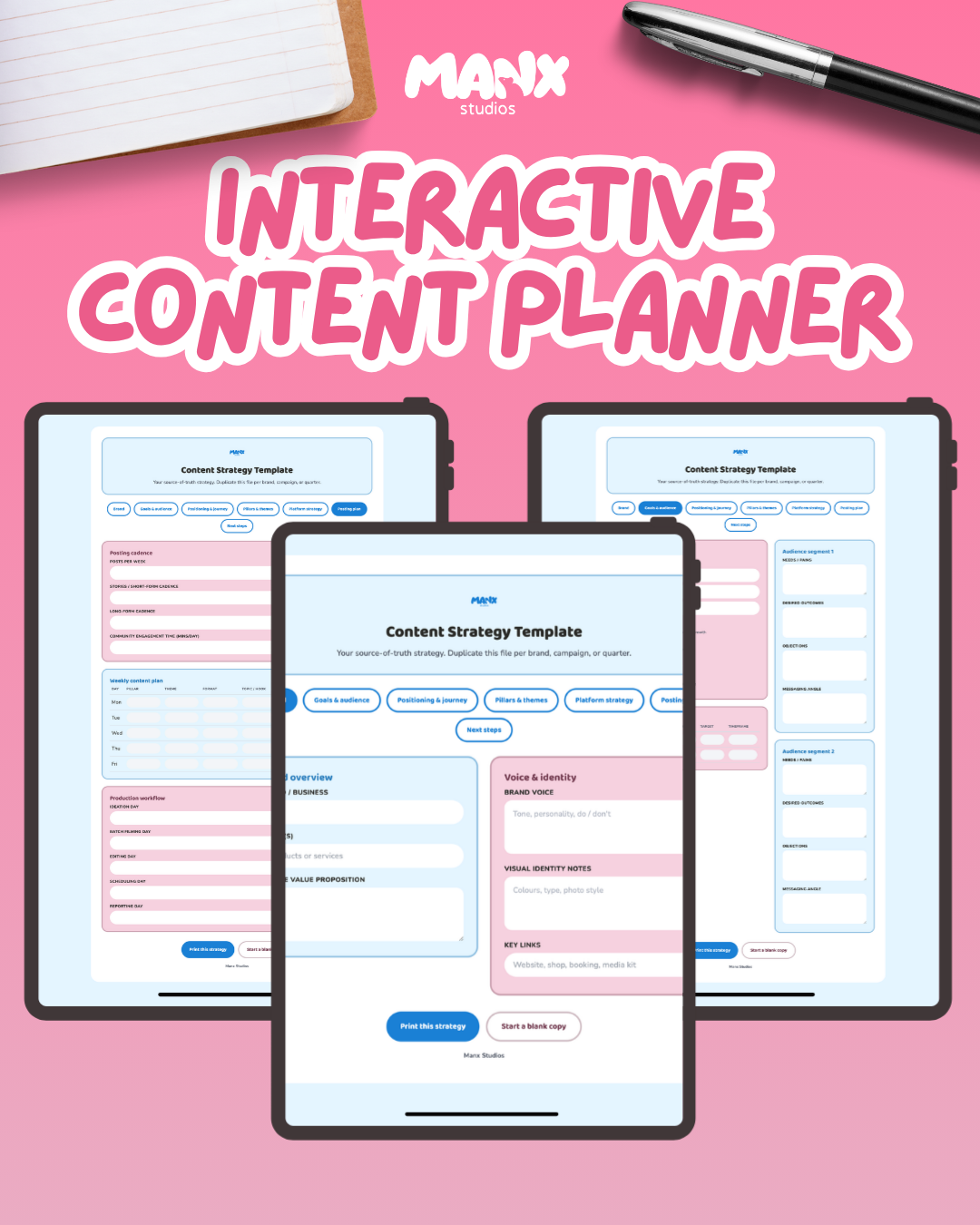
One file that holds your whole strategy instead of five different documents you have to cross-reference. Brand overview, audience segments, positioning statement, content pillars, platform roles, a weekly posting plan, and next steps, all in one place you can return to and update.
Built for duplicating per brand, campaign, or quarter. Fill it in once, then reuse the structure every time you need to plan again instead of rebuilding it from scratch.
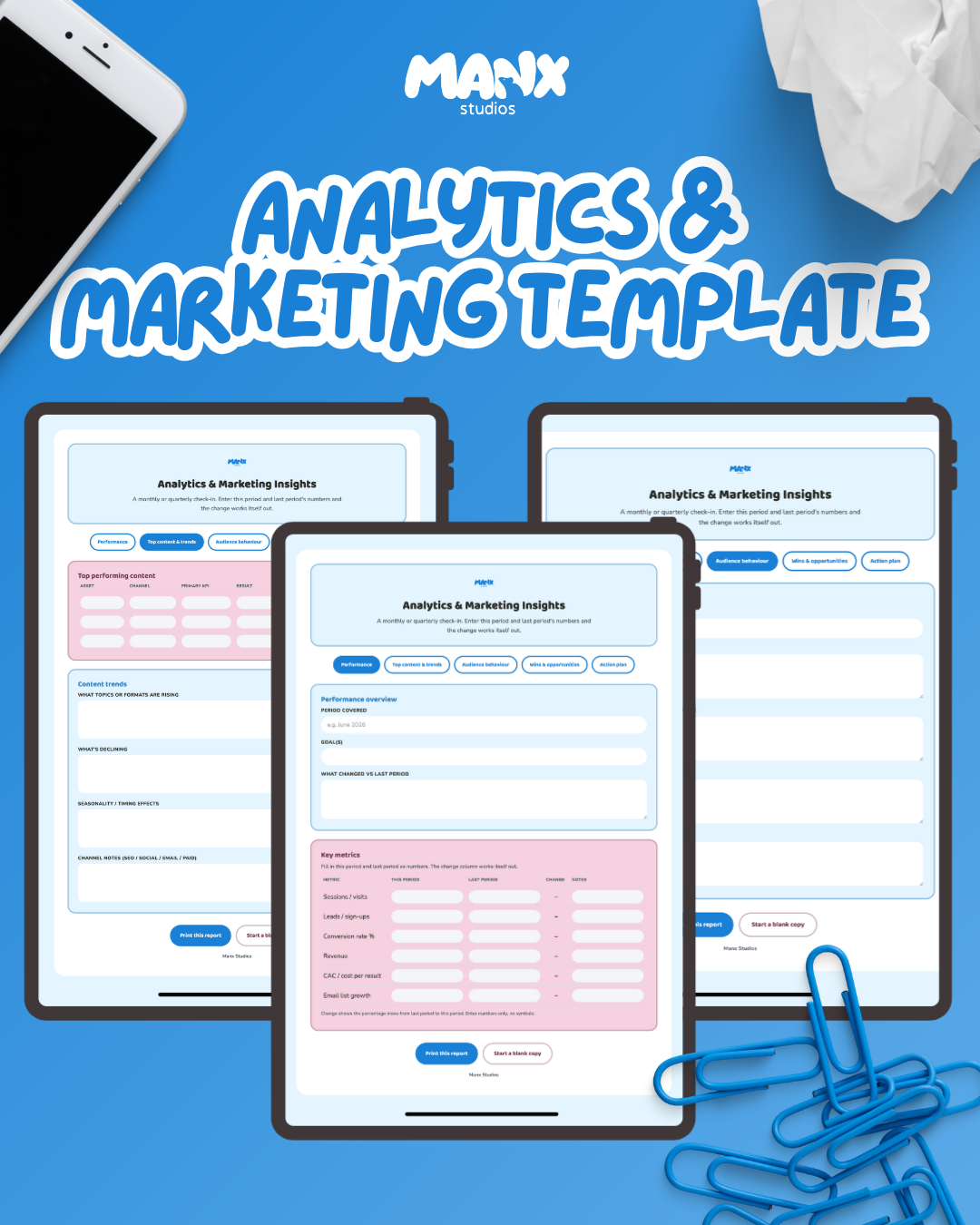
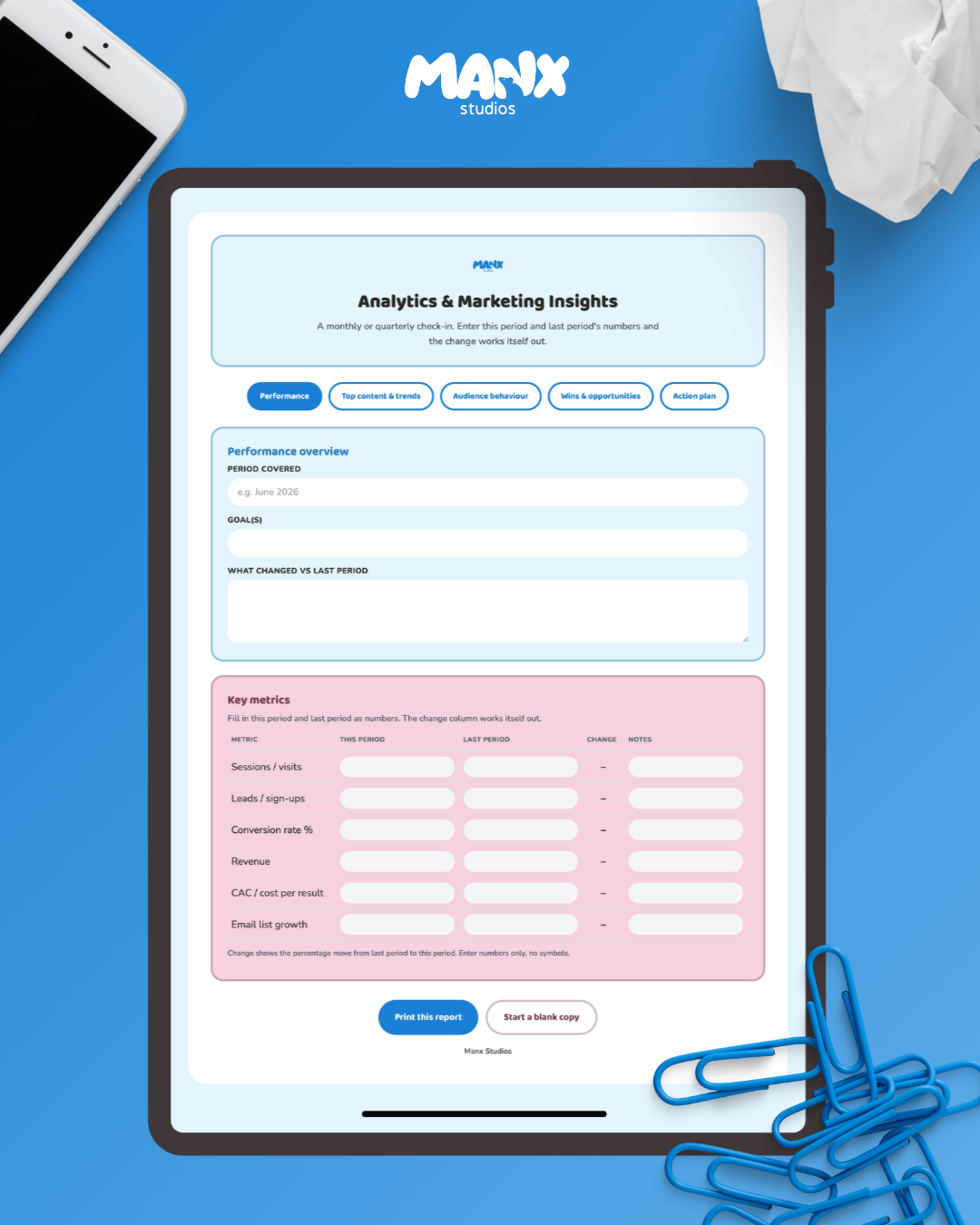
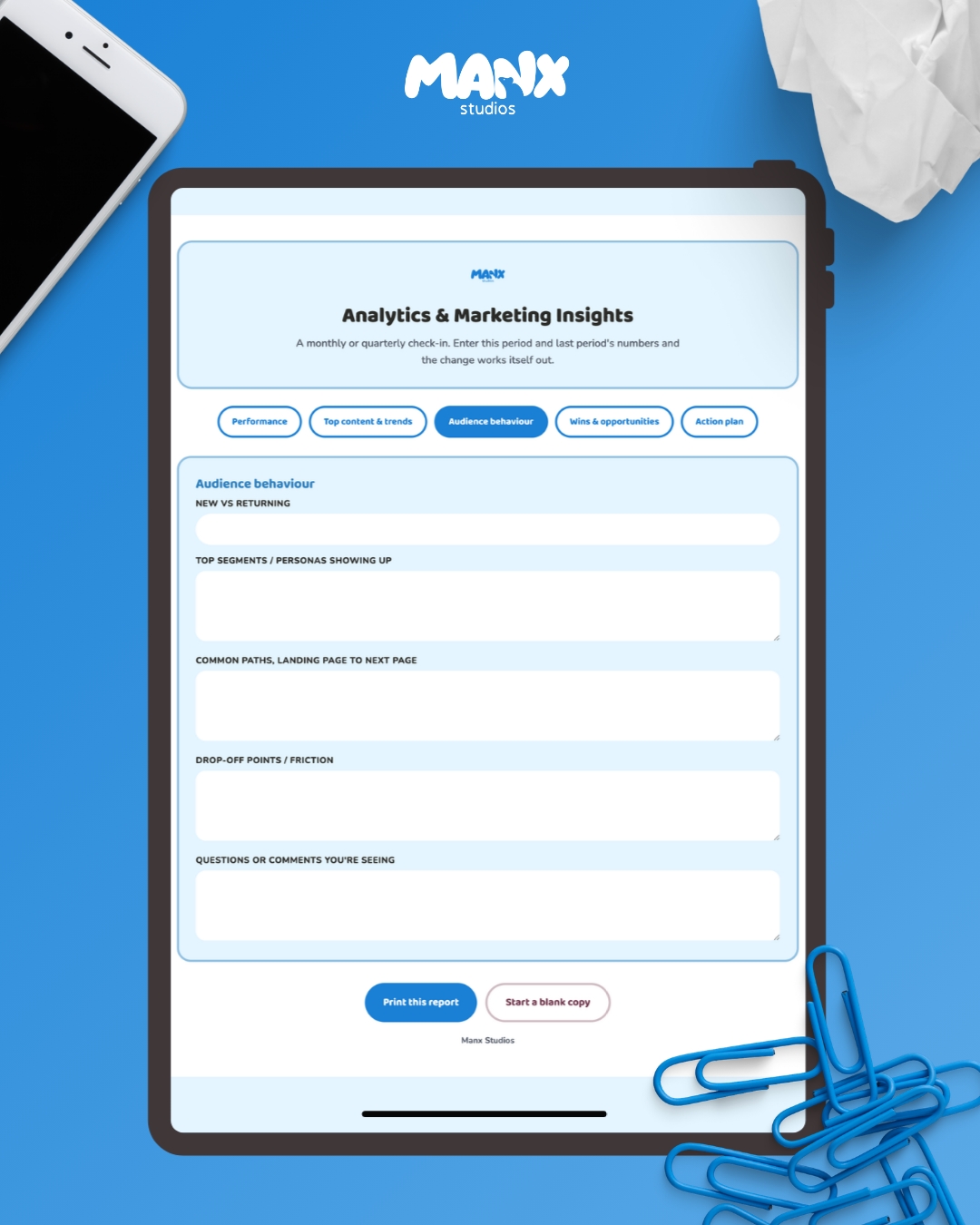
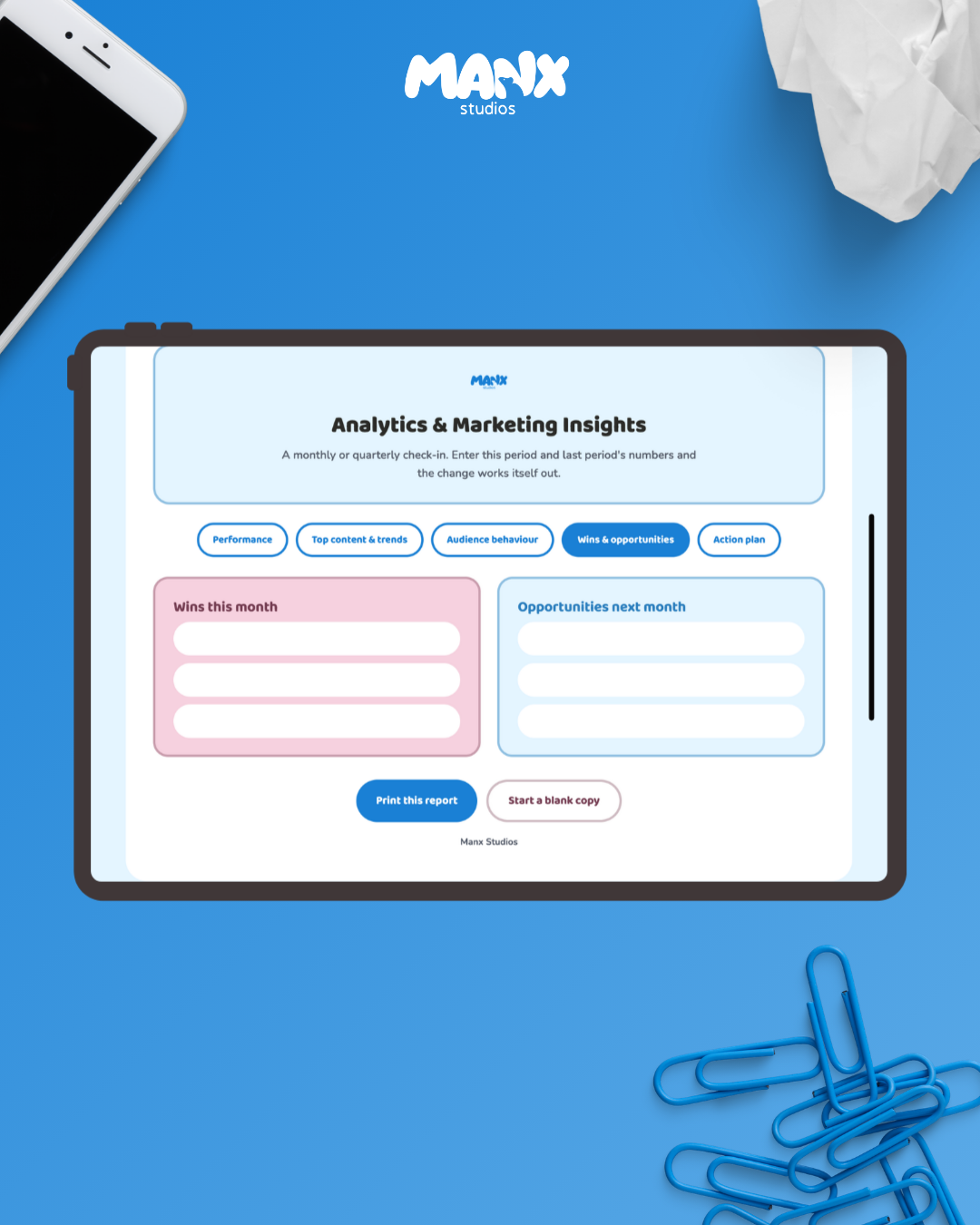
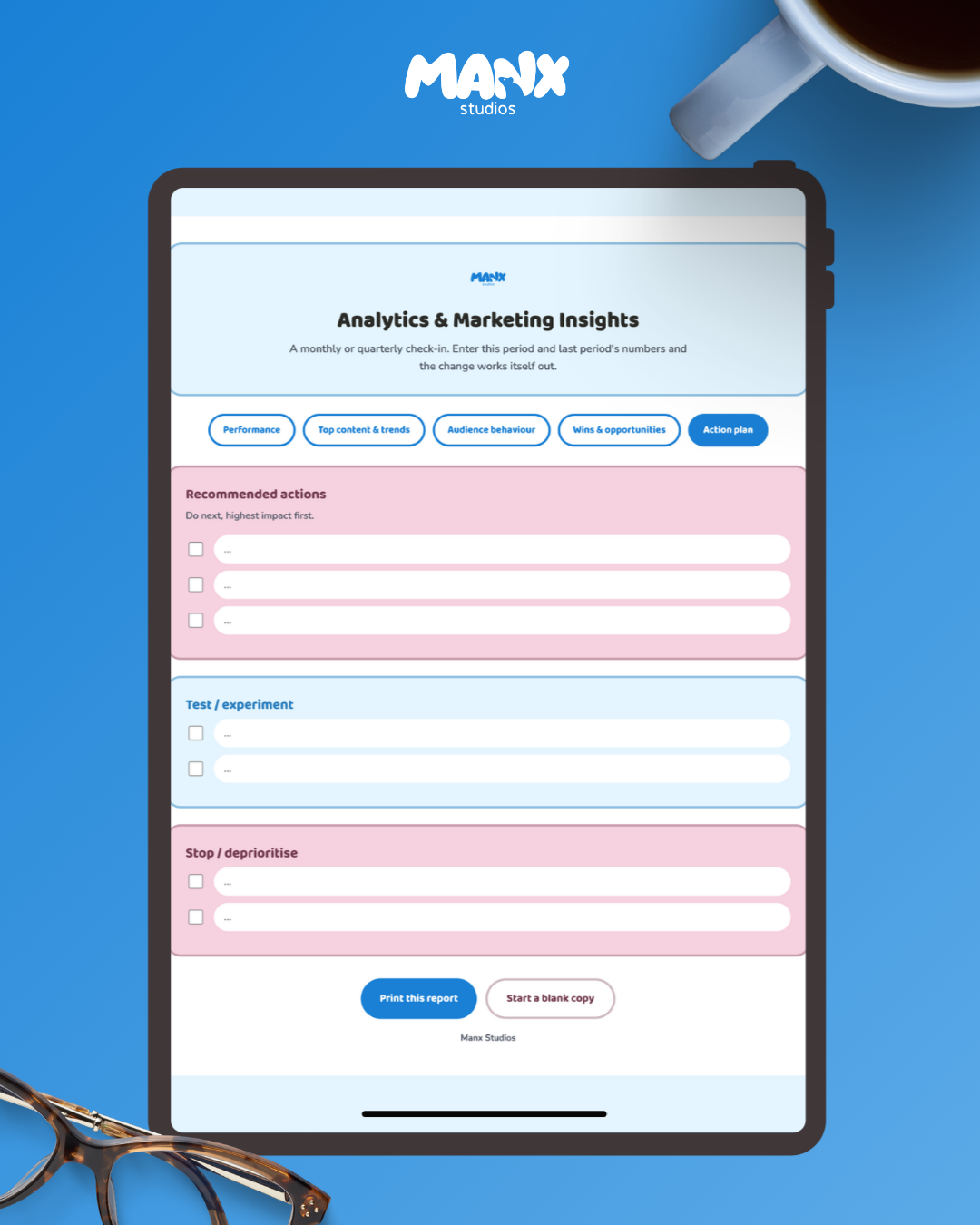
A monthly or quarterly check-in that does the maths for you. Enter this period's numbers and last period's numbers, and the percentage change calculates itself, green when something's growing, pink when it's dropping.
Covers your key metrics, top performing content, audience behaviour, wins and opportunities, and a clear action plan split into what to do next, what to test, and what to stop doing. Less time formatting a spreadsheet, more time actually looking at what the numbers are telling you.
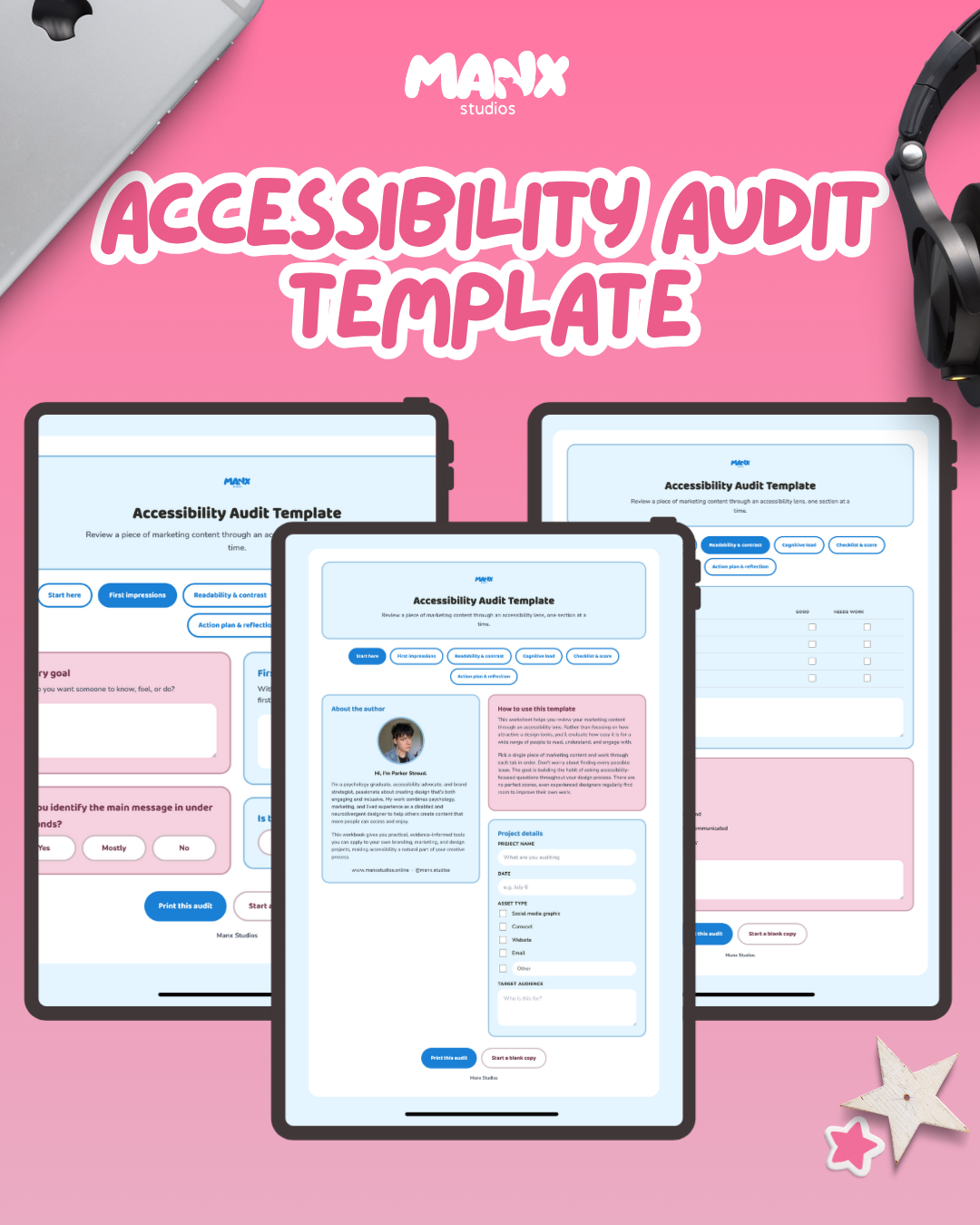
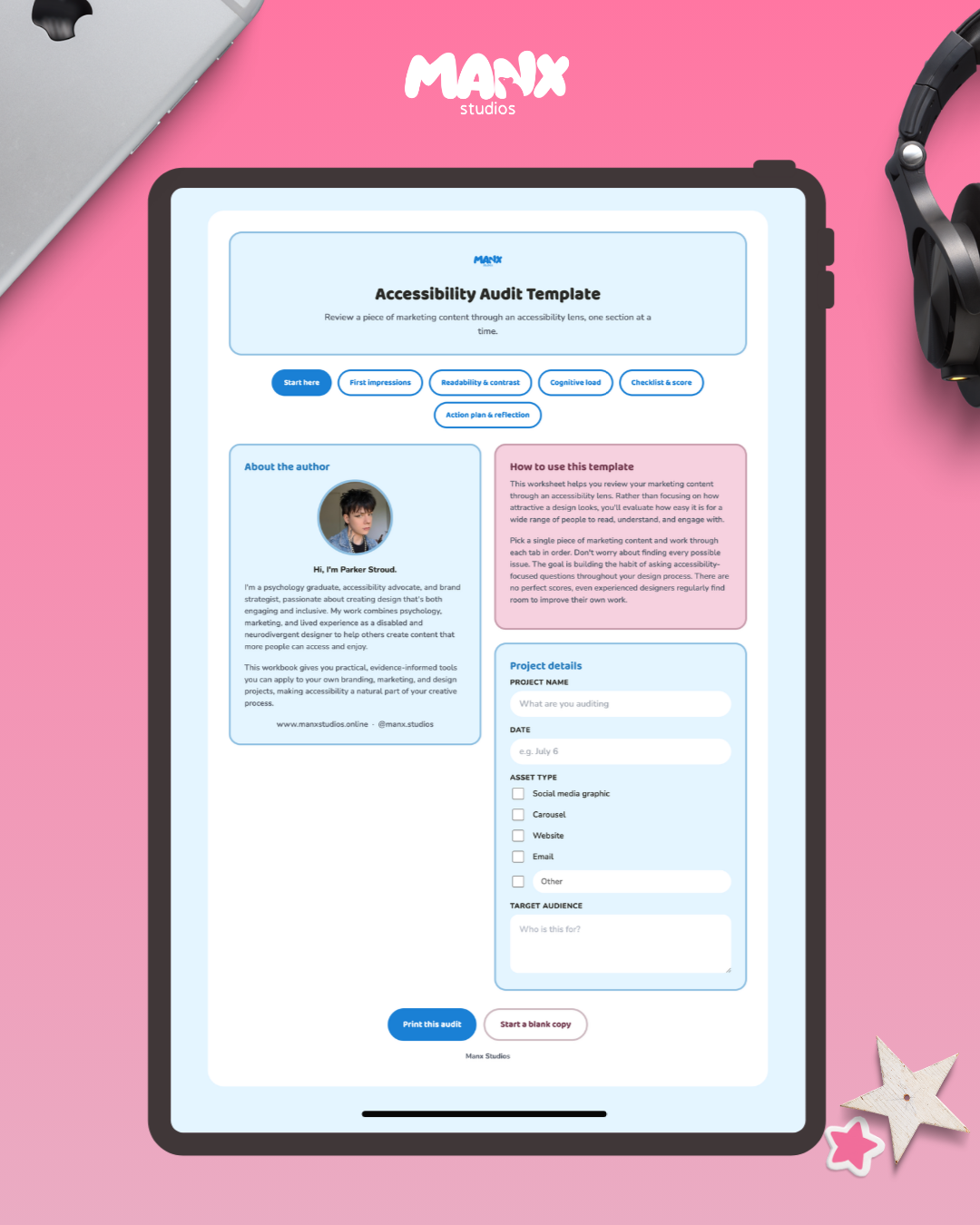
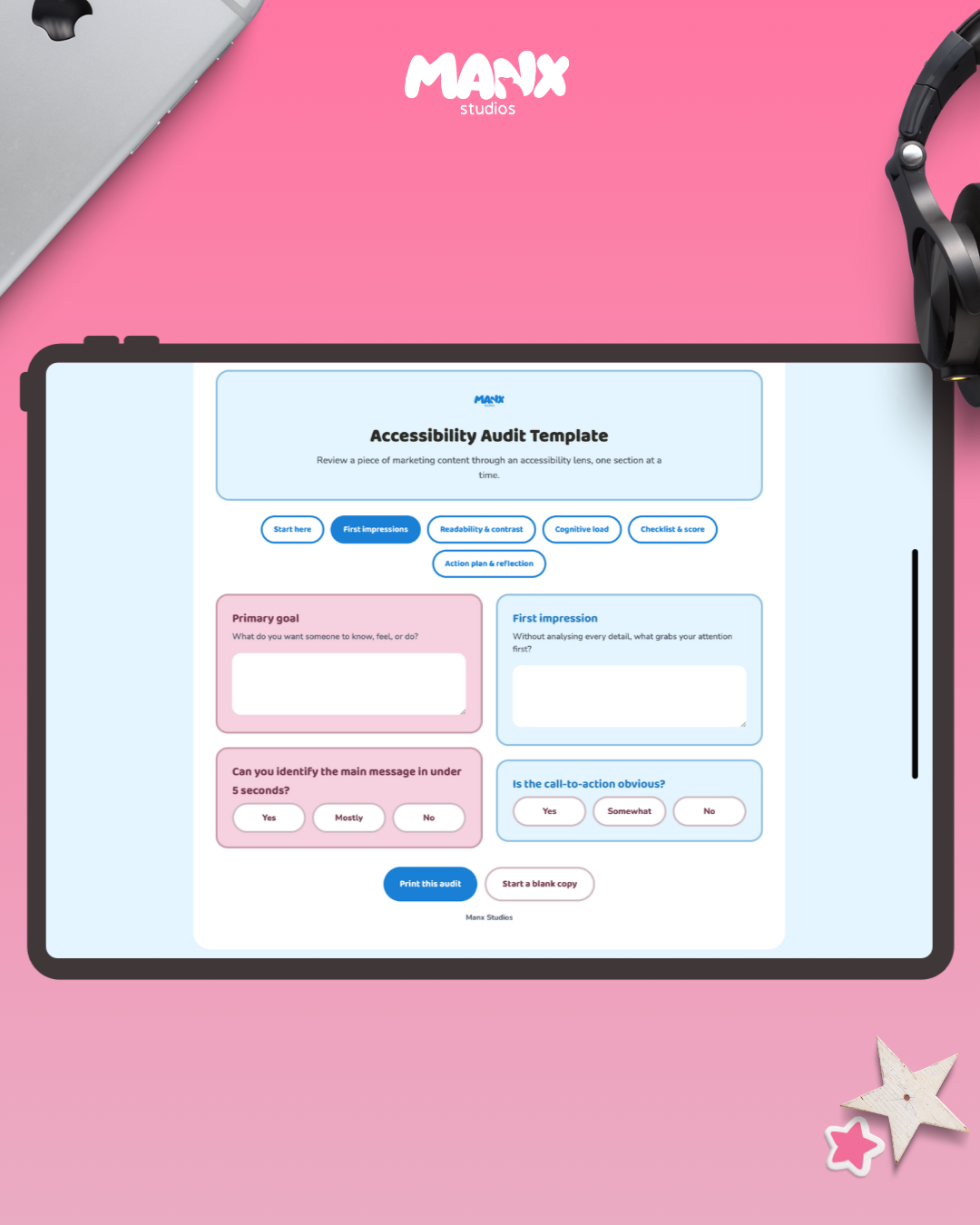
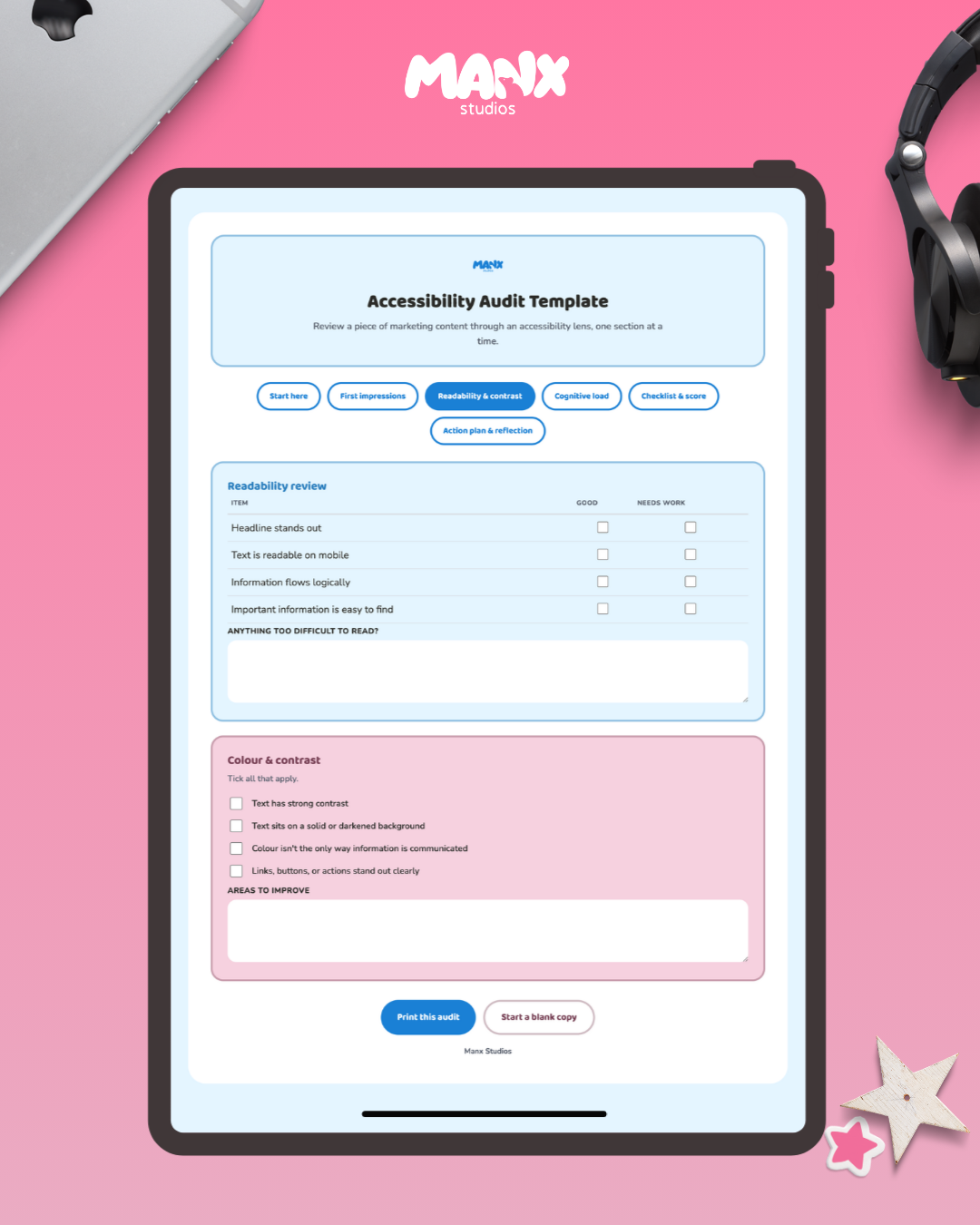
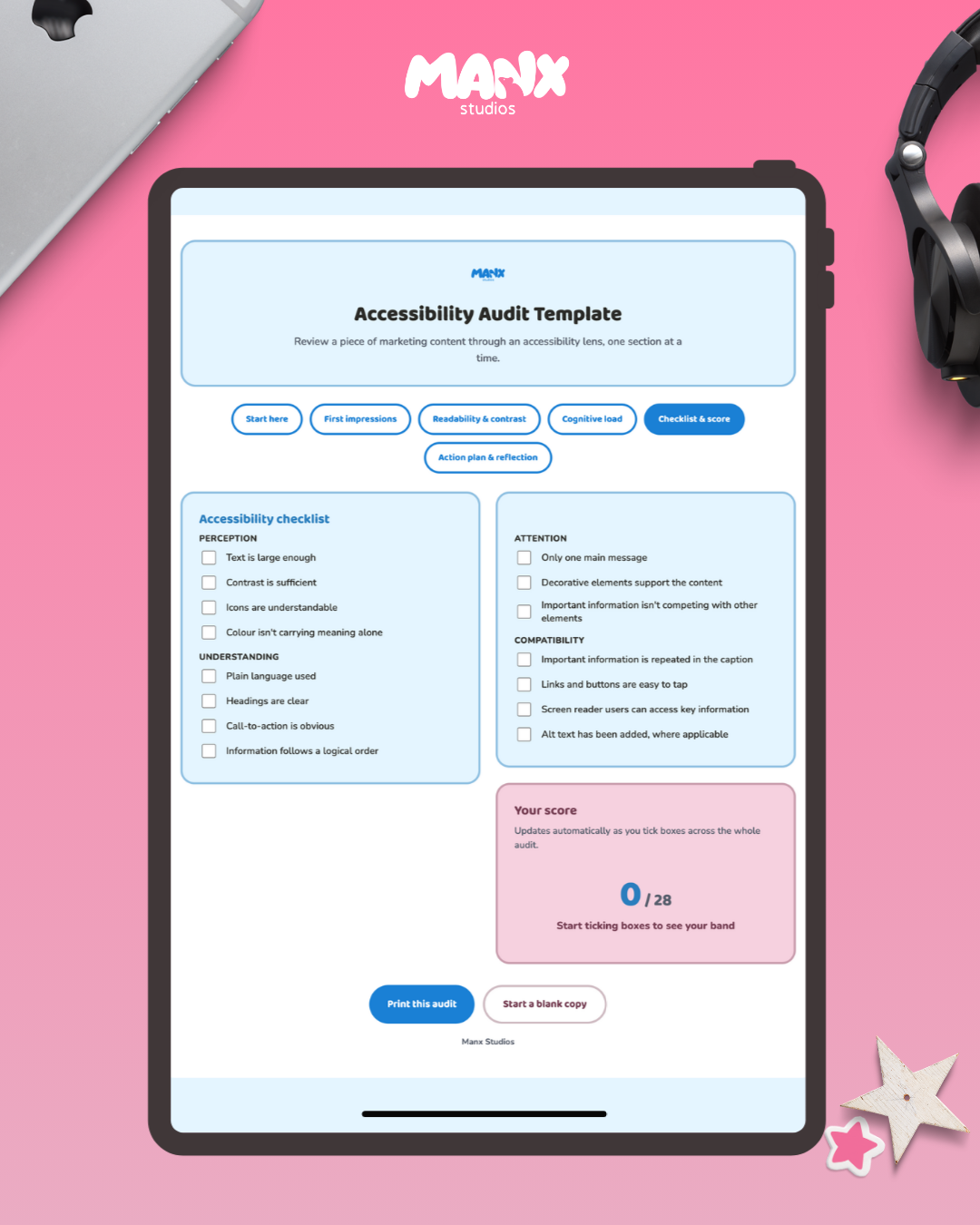
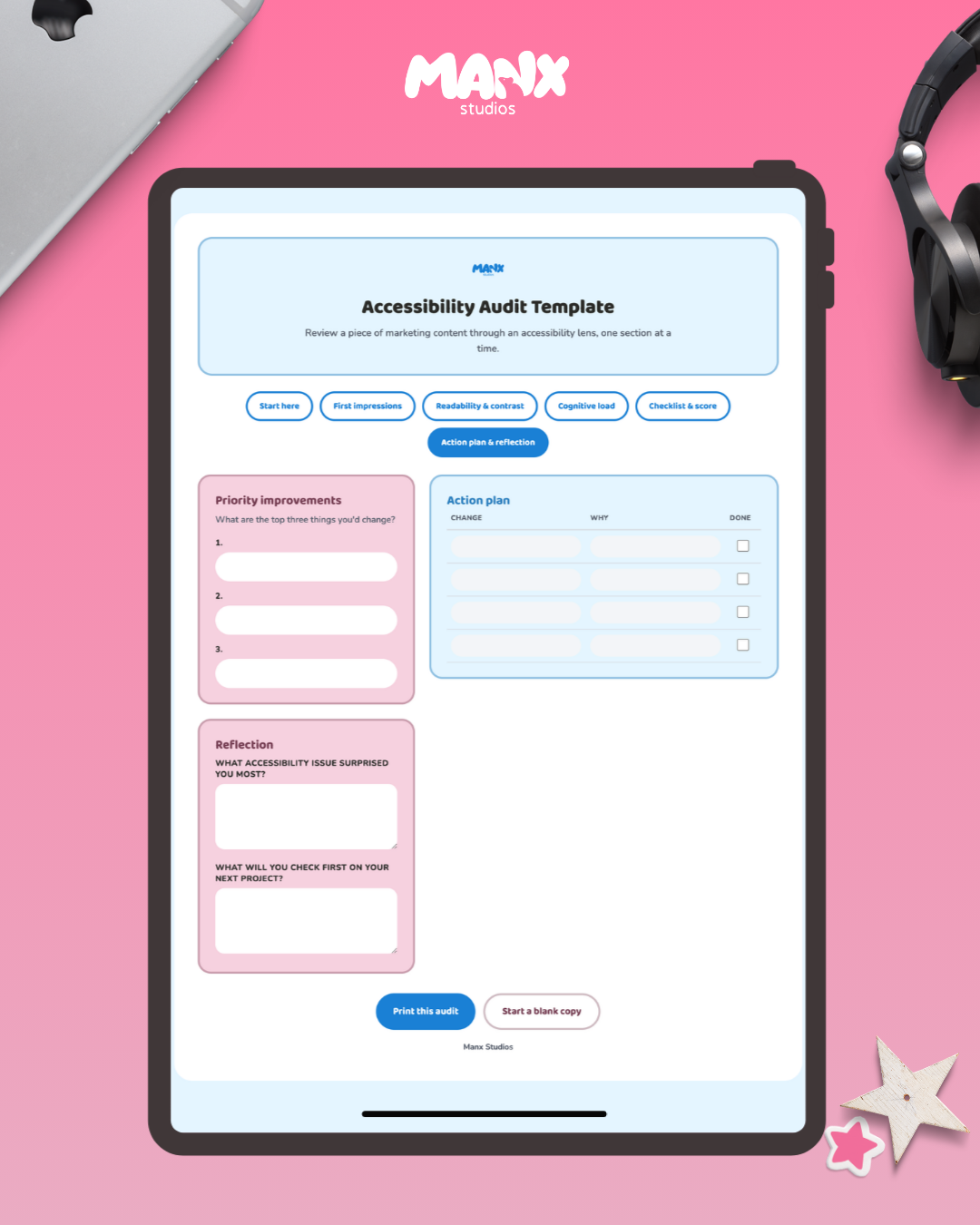
A worksheet for reviewing your marketing content the way it actually gets used, not just how it looks in the design file. Built from lived experience as a disabled and neurodivergent designer, alongside a psychology background in how people actually process information.
Walk through first impressions, readability, colour and contrast, cognitive load, and a full accessibility checklist covering perception, understanding, attention, and compatibility. Every box you tick feeds into a live score at the end, so you can see where a piece of content stands without doing the maths yourself.
Finishes with an action plan and a reflection page, so the audit turns into actual changes instead of just a list of problems.
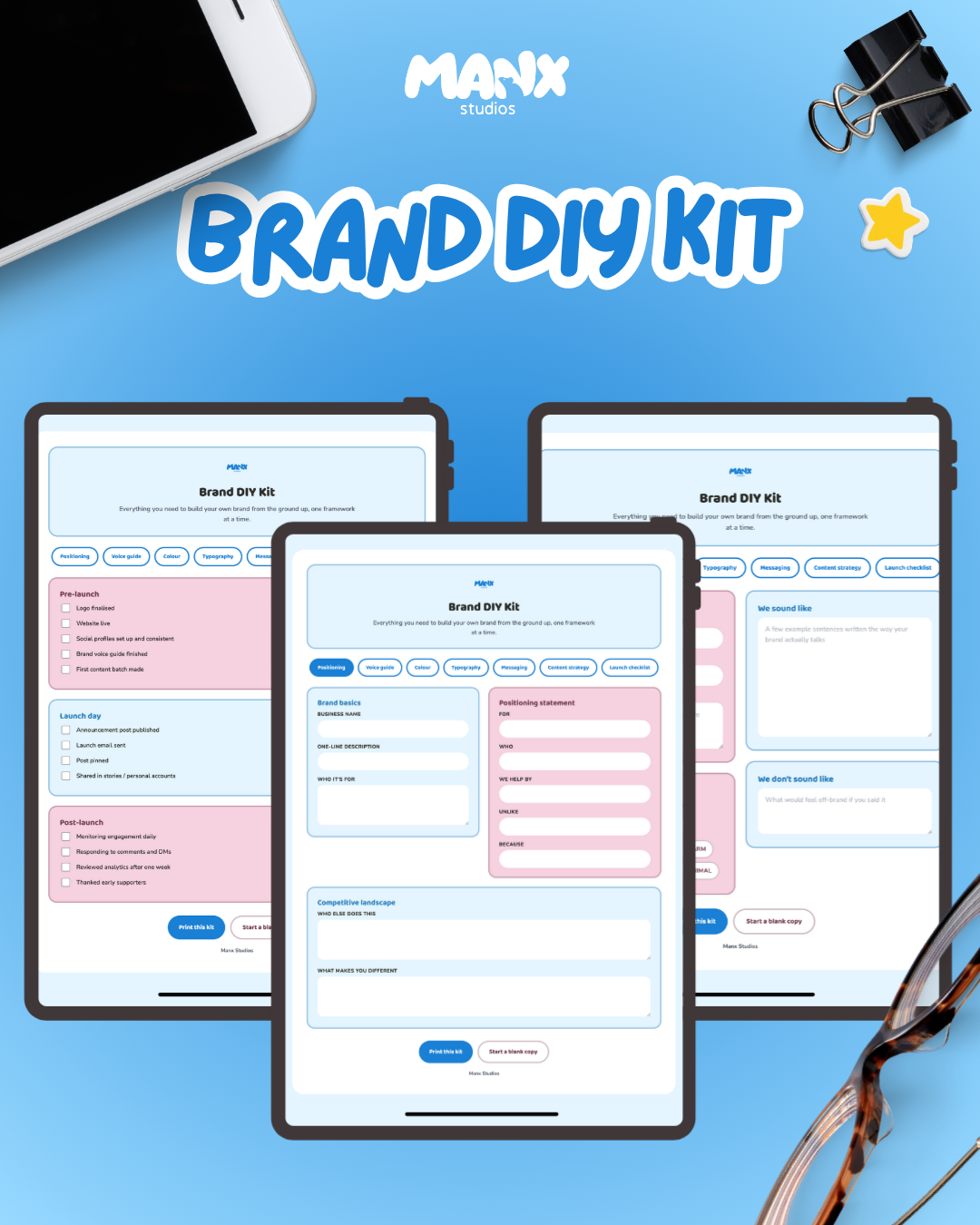
Everything you need to build your own brand from scratch, without hiring an agency or guessing your way through it.
Seven frameworks in one file: positioning workbook, voice guide, colour selection, typography, messaging worksheets, content strategy, and a launch checklist. Work through them in order, or jump straight to whatever's actually stuck right now.
A few things that make this more than a fill-in-the-blank PDF. The colour section uses real colour pickers, so you see your primary, secondary, and accent colours as actual swatches rather than hex codes you're hoping look right. The voice guide is a click-through checklist of tone words, no blank page demanding you describe your own personality in paragraph form. And every section pushes past "what does this say" into "does this actually hold up": a contrast check for your colours, an accessibility check for your type choices.
It's an interactive HTML file, not a flat template. Fill it in on screen, print it when you want paper, or hit reset and reuse the same file for the next brand.
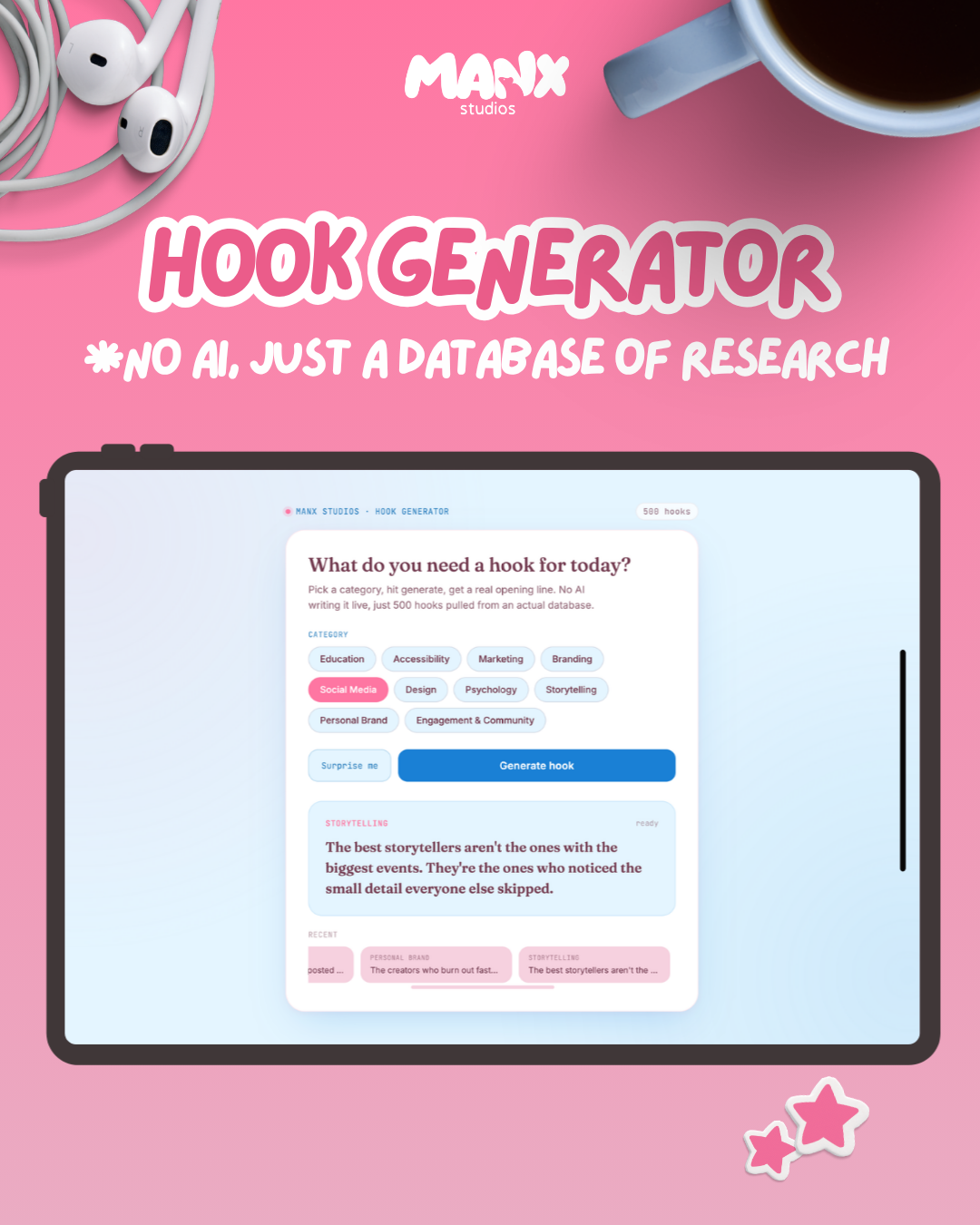
500 hooks. 10 categories. No blank page.
This isn't AI writing captions for you. It's a database, built and tested for how each line actually reads on a scroll, not generated on the spot. Pick a category, hit generate, get an opening line you can use right now.
Built for beauty, wellness, and service-based creators who know what they want to say and lose the first ten minutes of every caption trying to find the way in.
What's inside:
50 hooks across 10 categories: education, accessibility, marketing, branding, social media, design, psychology, storytelling, personal brand, and engagement
A "surprise me" button for when you don't even know what you need yet
A history strip so you can find that one hook again instead of losing it to the scroll
No sign in, no subscription, nothing to burn through
You still write the caption. This just gets you past the part where you're staring at a blank box.
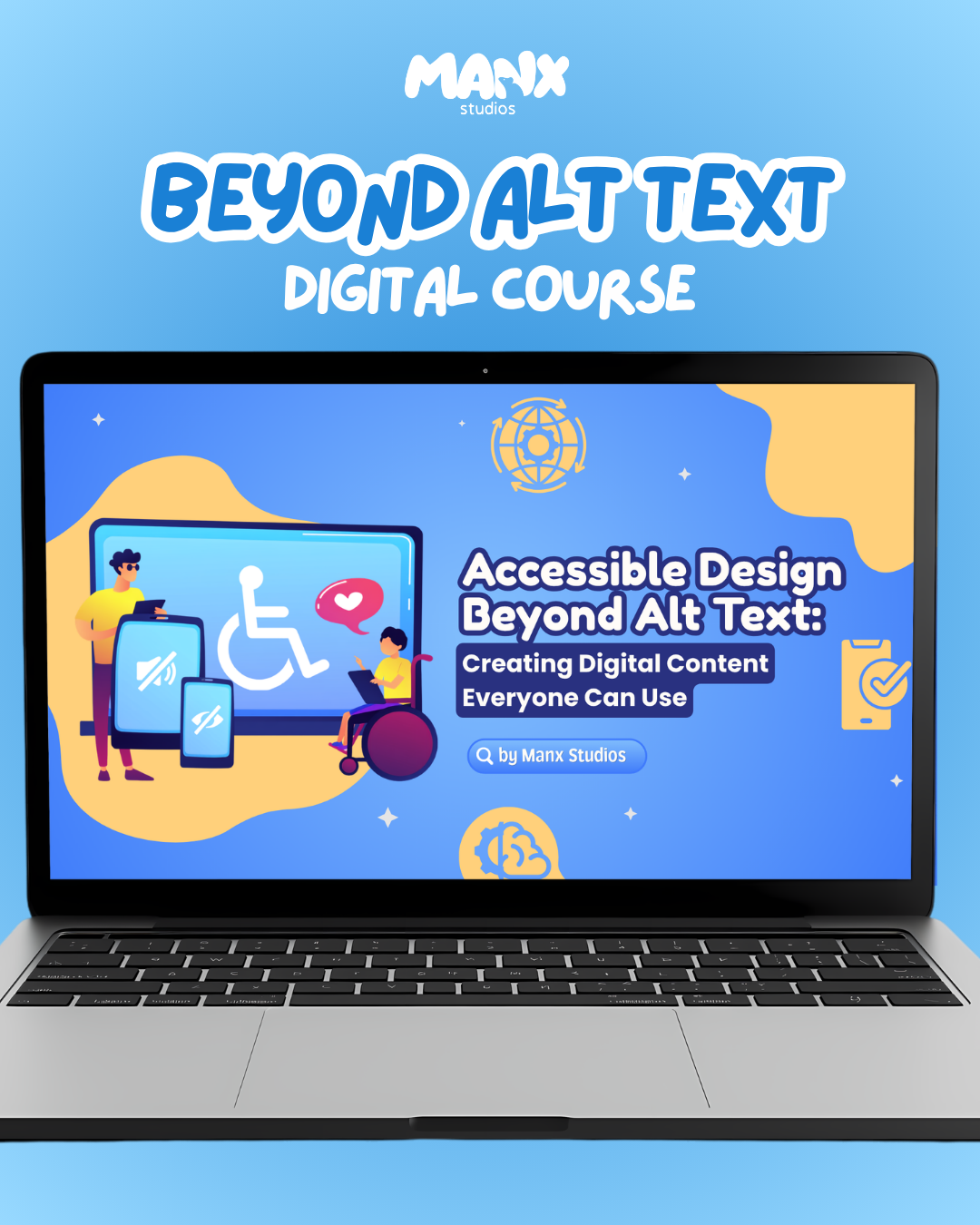
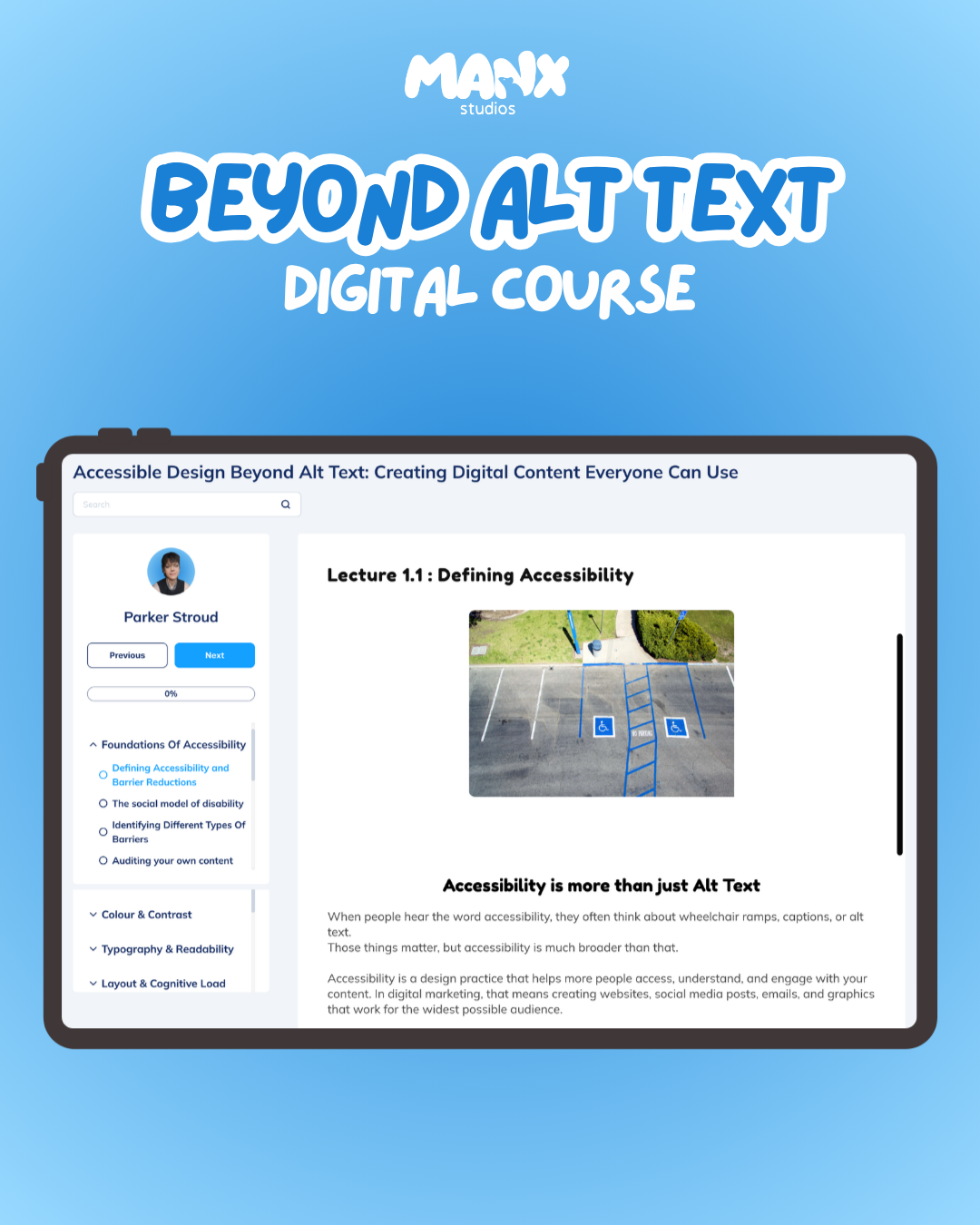
Six modules and eleven lectures, plus a certificate when you finish.
This course teaches accessible design properly. You'll learn how to spot the barriers most businesses never notice: perception, understanding, cognitive load, interaction, compatibility. Then how to actually fix them without stripping the personality out of your brand. Contrast, typography, layout, captions, focal points, all the things that change whether someone can use what you've made.
By the end you've got a certificate of completion and a different way of designing.
Good to know: this course sits on a separate platform. Once you purchase, the file will have a link that will send you to the course page. You'll gain access as soon as you put your email in.
No results match your search. Try removing a few filters.
